
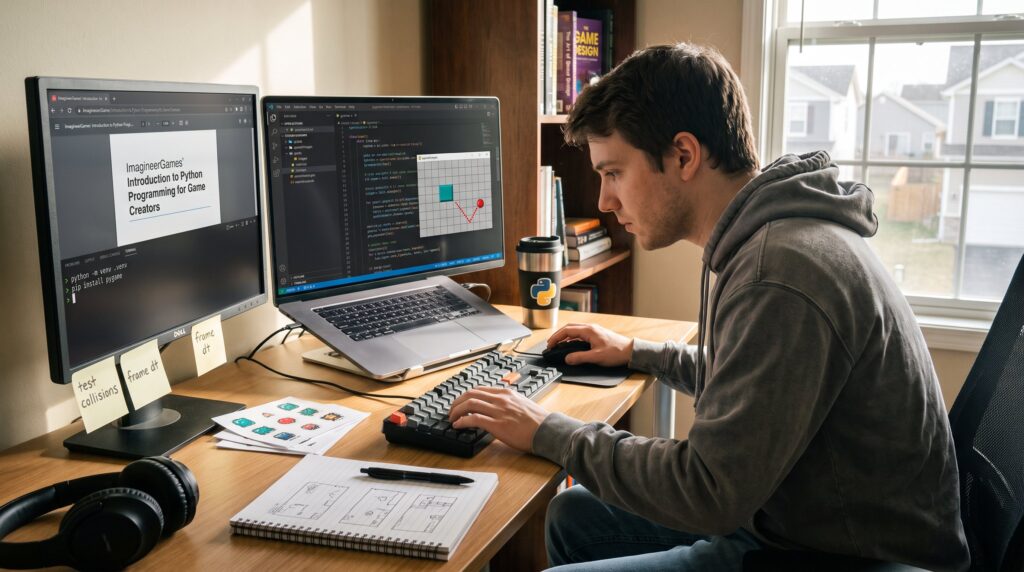
Python is a smart first step for game creators who want fast results and clear code. This guide shows why Python works for 2D games and prototypes, how to set up a reliable development environment in 2026, and which core concepts every creator should master. It leads quickly into practical patterns, variables for position and health, a tight game loop, and a tiny Pygame example that handles player input and collisions. Readers will leave ready to build a working prototype and know where to go next on ImagineerGames.
Table of Contents
ToggleKey Takeaways
- Python is an excellent starting language for game creators due to its simple syntax, quick feedback, and strong library ecosystem that accelerates 2D game prototyping.
- Setting up a reliable Python game development environment in 2026 involves installing Python 3.11+, choosing a debugger-friendly editor like VS Code or PyCharm, and adding Pygame for core 2D game functions.
- Core Python concepts such as variables, data structures, control flow, functions, and basic object-oriented programming are essential for building game mechanics like player control and collision detection.
- ImagineerGames emphasizes rapid iteration with Python and Pygame to move from idea to playable prototype fast, recommending starting small and only switching to more complex engines when advanced 3D or performance needs arise.
- Avoid common beginner setup mistakes by using virtual environments and editors with debugging support to save development time and reduce errors.
Why Python Is a Smart Choice For Game Creators
Python is a smart choice because it reduces friction: simple syntax, immediate feedback, and a large library ecosystem speed iteration. Game creators who prototype mechanics want to test ideas in hours, not weeks. Python lets them do that.
Concrete reasons: Python 3.x reads like plain English, so beginners fix bugs faster and teams iterate quicker. High-level data structures, lists and dicts, let developers store enemies, levels, and configuration without verbose setup. For many 2D games and prototypes, Python plus libraries such as Pygame turns concept into playable code in a single afternoon.
A practical example: a developer replaced a week of trial builds with one afternoon of Python scripting and found collisions working and controls tuned. That quick feedback loop matters for hobbyists and esports modders tuning mechanics. ImagineerGames emphasizes this approach across its tutorials and has articles that explain the stages of game production, from design to iteration, which complements learning Python for building prototypes (How a Video Game).
Limits and honest assessment: Python is not ideal for large, AAA 3D engines where performance and threading matter most. For those needs, engines like Unreal or Unity are better suited. Still, Python shines for learning fundamentals, making 2D titles, and producing rapid demos that demonstrate core gameplay before committing to heavier tech.
Set Up Your Python Game Development Environment (Editor, Interpreter, And Packages)
Install Python 3.x and an editor, then add Pygame to get moving quickly. That is the minimal stack many creators use.
Step-by-step setup:
- Install the interpreter: download and install Python 3.11 or later to ensure current security and features.
- Choose an editor: VS Code or PyCharm are popular. They give debugging, linting, and quick file navigation that prevent small mistakes from derailing progress. Imagineer Games: Redefining the guides on editors and workflows shows how a tidy toolchain speeds development (Imagineer Games: Redefining).
- Install Pygame: open a terminal and run pip install pygame. Pygame handles window creation, input, image drawing, and basic sound, all you need for simple 2D prototypes.
Add-ons and packages to consider: Pillow for image handling, PyInstaller for packaging a prototype into an executable, and Tiled map loaders if levels get complex. The ImagineerGames tech write-up covers studio choices that prioritize fast delivery and simple pipelines, which aligns with this lightweight stack (imagineergamescom tech).
When to learn an engine instead: If a project needs advanced 3D tools, physics, or cross-platform publishing pipelines, research major engines and their workflows. A concise primer can help developers compare engines and workflows when moving beyond Python (What Is a Game Engine?).
Common setup mistakes: running Python with an outdated interpreter, installing packages globally (use virtual environments), and picking an editor without debugger support. These errors slow beginners: using a venv and a debugger cuts hours of wasted time.
Core Python Concepts Every Game Creator Needs
Master a small set of concepts and games become easier to reason about: variables, data structures, control flow, functions, and basic OOP. That is the core list that supports player, enemy, and level code.
These topics form the backbone of most ImagineerGames tutorials and match real-world prototyping needs. The three subsections below show how to apply them directly to game tasks.
Conclusion
Python and Pygame give game creators a clear, low-friction route from idea to playable prototype. By focusing on clean variables, a disciplined game loop, asset preloading, and simple collision patterns, hobbyists and junior developers can build and iterate quickly. ImagineerGames recommends starting small, preloading assets, and moving to heavier engines only when performance or platform needs require it.